TECHNOLOGY SETUP &
CHECK-IN INSTRUCTIONS

STEPS TO FOLLOW:

Step 3:

After the evaluation

 is complete

3.1 – GETTING YOUR RESULTS

  • Following the evaluation, a process is followed to confirm that secure conditions were maintained throughout in order to validate results.
  • The person who booked the evaluation will receive your results by email by the Results Reporting Deadline.


NOTE: Please do not contact CCNB for results before this time.

3.2 – UNINSTALL THE SOFTWARE

  • There is no purpose in keeping the installed software on your computer and most people will want to remove it.
  • To remove/uninstall the Safe Exam Browser Proctoring Software, follow these steps:


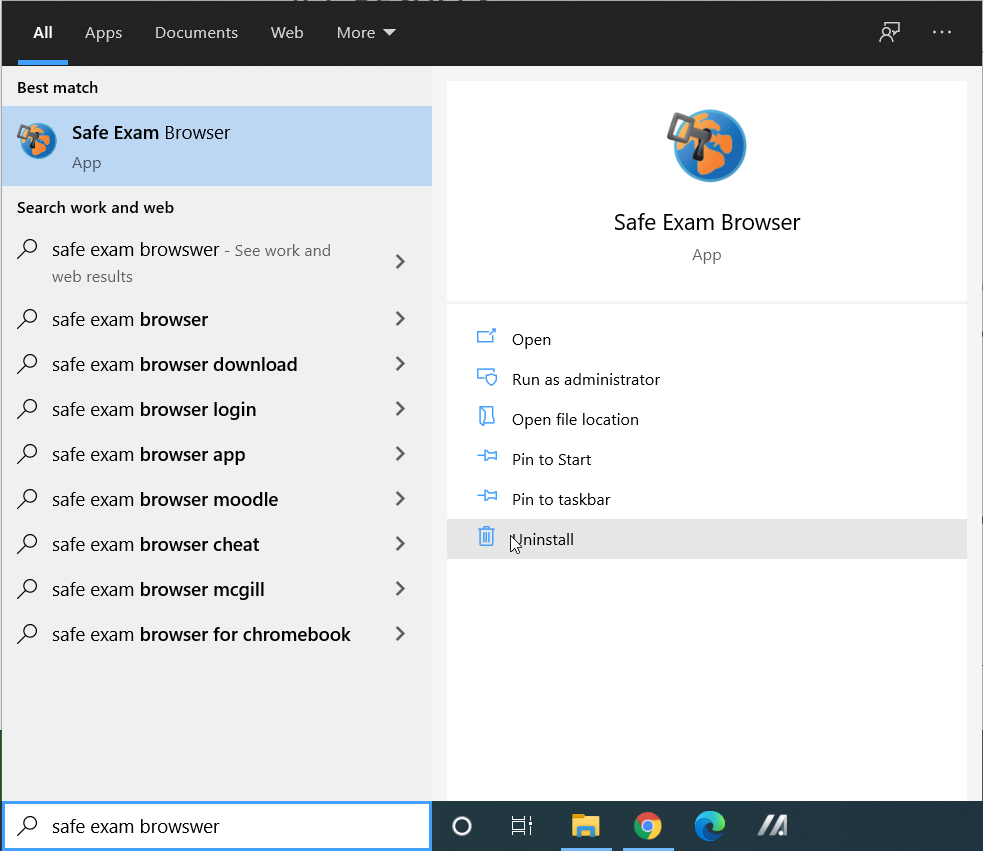
  • Click on the Windows icon
  • Type “Safe Exam Browser”
  • Click on “Uninstall”
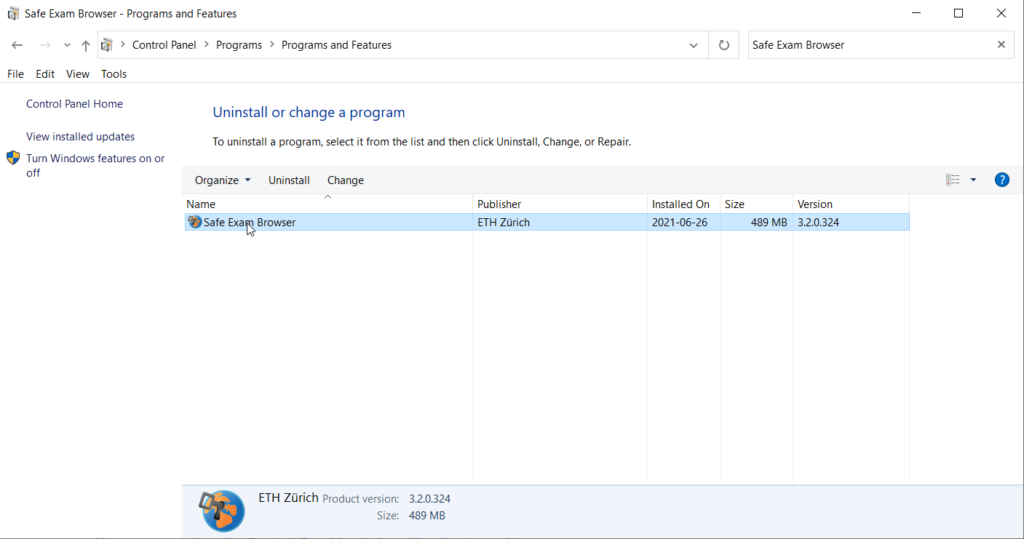
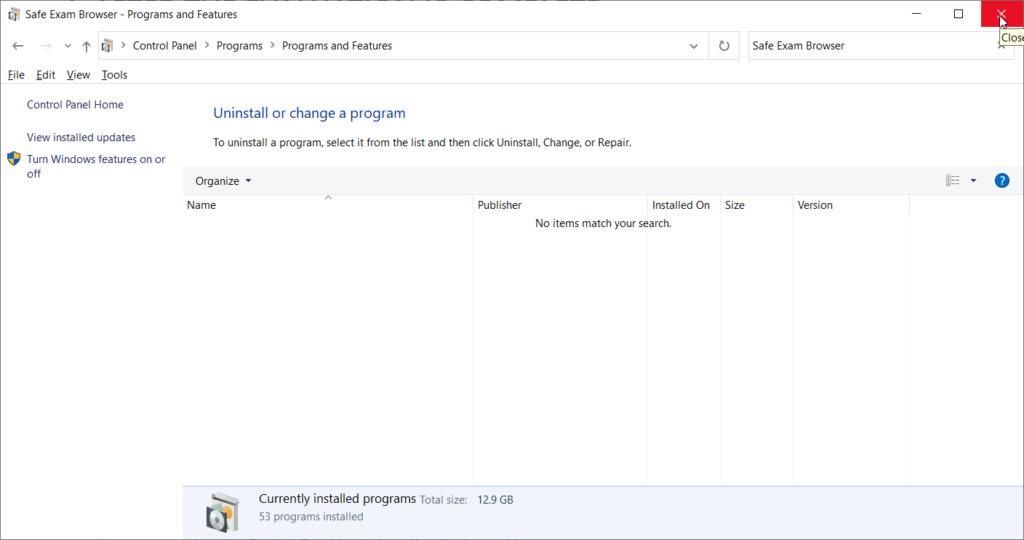
  • In the search bar at top right, again type “Safe Exam Browser” (no quotes) and press enter.
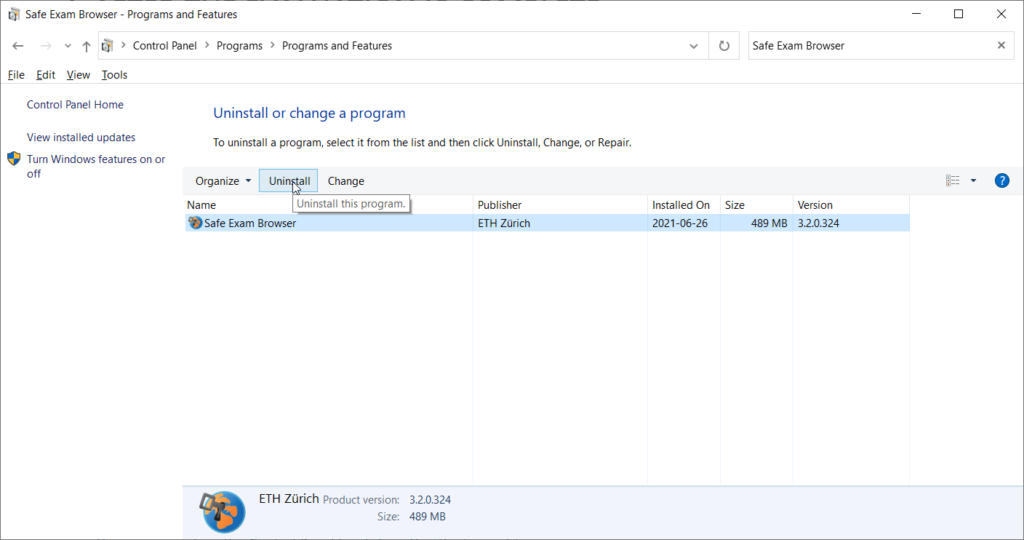
  • Click on “Safe Exam Browser” and then click on “Uninstall”
  • If Windows requires permission to uninstall this software, agree
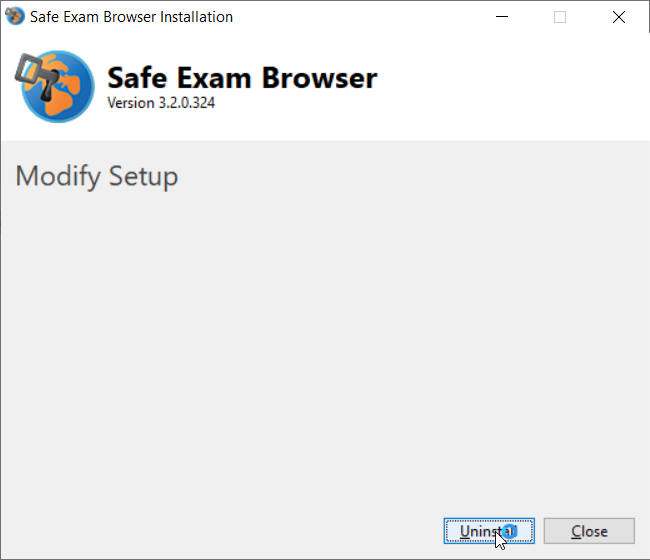
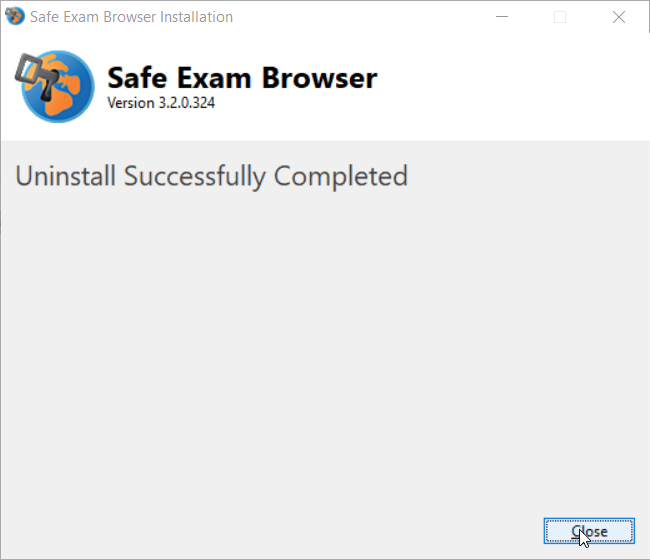
  • Click on the “Uninstall” button
  • Click “Close”
  • You may now close the Control Panel by clicking “X” in the top right corner.