Plan to arrive at your secure evaluation room 15 minutes before your appointment time. Candidates who arrive more than 5 minutes past their appointment time may be ineligible to receive an evaluation. In this case, no refund will be given.
Save any unsaved documents, restart your computer, and close all programs.
Ensure you are in the same location used for the technology check-in above, and the same camera, microphone and headphones/earbuds are being used.
Open your Booking Confirmation email.
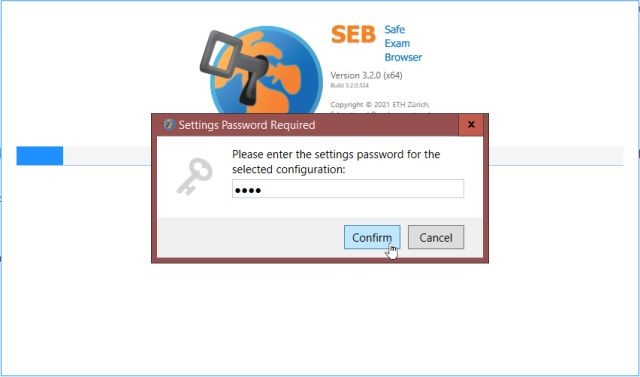
At the bottom of the email, you will find a link to your personal Secure Evaluation Connection Package. Download and open this file to enter the secure evaluation room.
NOTE: The password for your evaluation is « test » (all lowercase, no quotes).
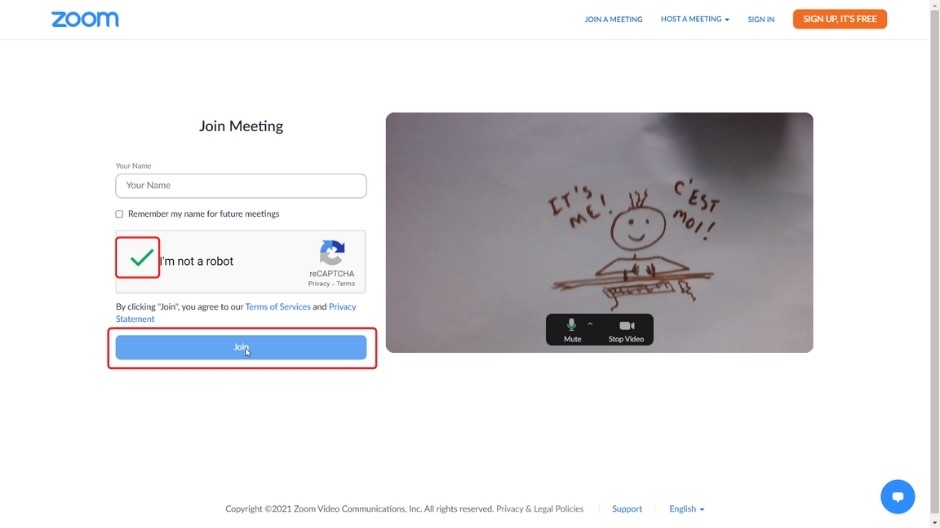
NOTE: You must use the same full name as you used when registering.
Possible: Accept to deactivate these programs
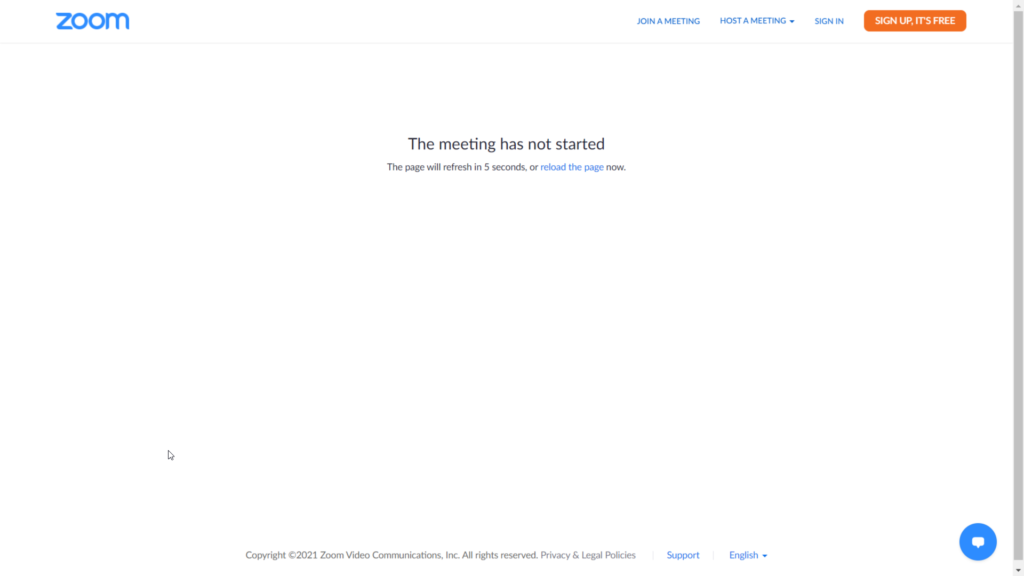
Secure Evaluation Zoom Interface – Sign in (Use same name as used for registration)